

Sync when you want.
Stay offline when you don't.
Billiary remains local-first. An account is optional and Personal Sync starts only after you explicitly activate it.
From local to connected, by choice.
1. Sign in
Use the available Apple or Google sign-in option. Signing in alone does not start uploading your local Billiary data.
2. Review & activate
Billiary shows a private upload summary before the initial Sync. You choose when to continue.
3. Keep devices current
Supported Billiary records and attachments stay up to date across registered devices while Sync is active.
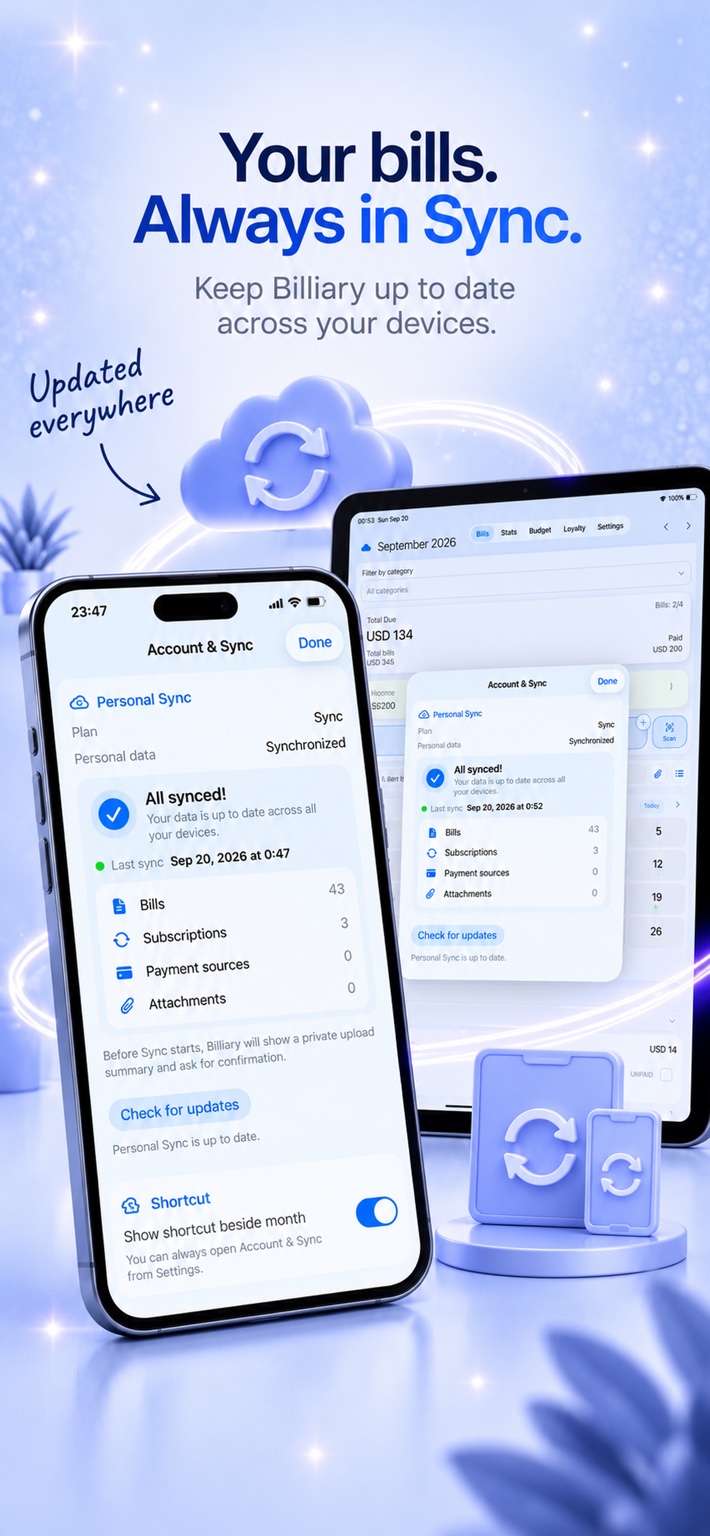
Your local Billiary stays the foundation.
You can continue using Billiary without an account or Sync. Connected services are an optional layer, not a requirement to track your bills.
Explicit activation
Creating an account does not automatically upload your existing local data. Personal Sync begins when you choose to activate it.
Automatic restore points
Sync creates cloud restore points that can help recover earlier synchronized versions. They complement, rather than replace, your own exported backups.
Premium included
Premium features are available while Sync is active. A separately purchased Lifetime Premium entitlement remains yours if Sync ends.
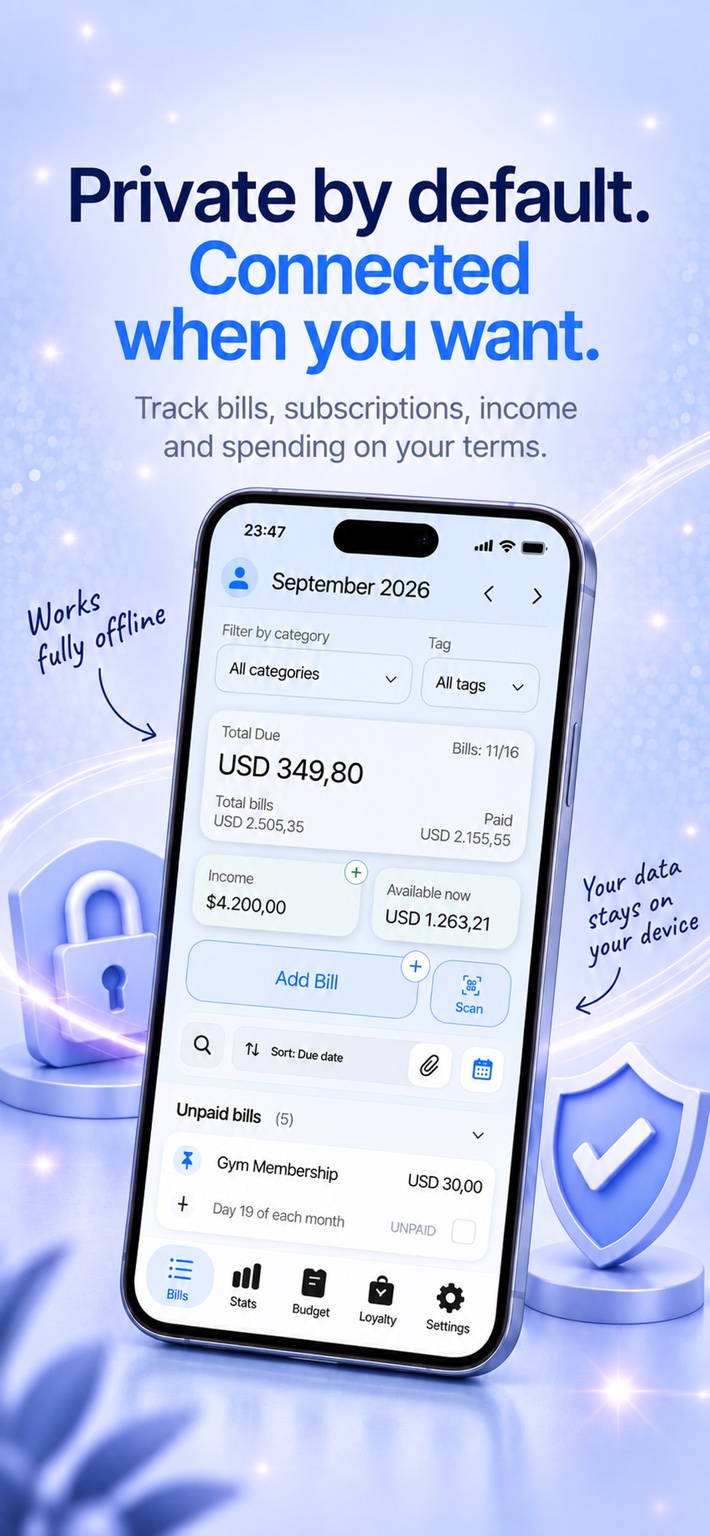
Private by default. Connected when you want.
Without Sync, your bill data stays on your device. When you enable Sync, the supported data needed to provide the service is stored in Billiary's cloud infrastructure and associated with your Sync account.
Sync FAQ
Do I need Sync to use Billiary?
No. Billiary remains fully usable as an offline-first bill tracker without an account.
Does signing in upload my local data?
No. The initial Sync requires explicit activation after Billiary shows what will be uploaded.
Does Sync include Premium?
Yes. Premium features are included while the Sync subscription is active.
What happens if I stop subscribing?
Sync stops, but your local Billiary data remains on your device. Any separately purchased Lifetime Premium entitlement remains active.
Are restore points the same as exported backups?
No. Restore points are part of the connected Sync service. Billiary's portable ZIP backup remains a separate user-controlled recovery option.