Every receipt, warranty, and document in the right place
A searchable, offline document library built around the bills you already track.
Start with the bill—or the document
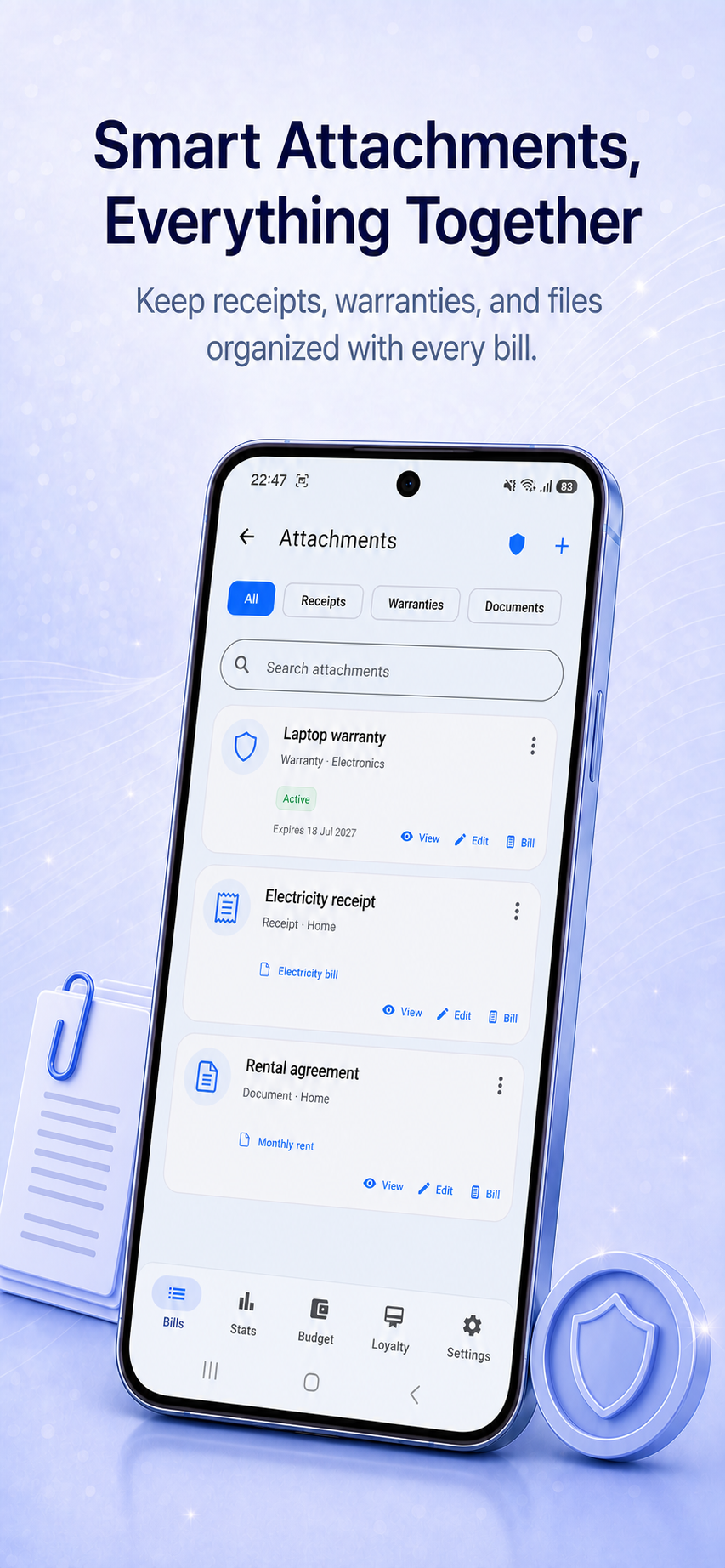
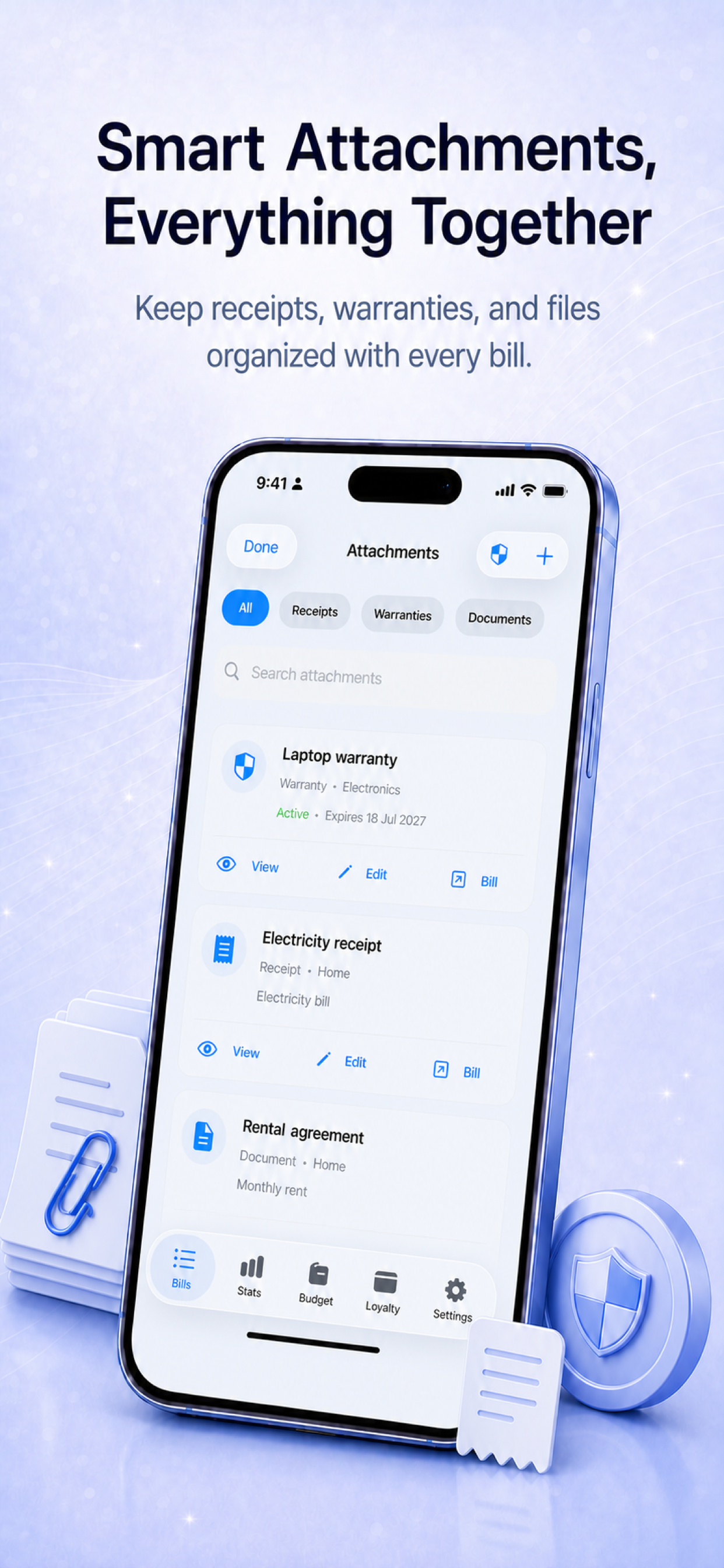
Attach a receipt, PDF, screenshot, invoice, or photo while editing a bill. You can also open the Attachments library first, import a file, and then link it to an existing bill or create a new bill with the document already attached.
One searchable library
Browse everything in a dedicated Attachments screen and filter by receipts, warranties, or other documents. Search by record name, file name, category, or associated bill instead of hunting through downloads and photo folders.
Designed for recurring bills
When an attachment belongs to a recurring series, Billiary reuses the same stored file rather than creating unnecessary copies. Your records stay connected without filling local storage with duplicates.
Useful for everyday records
- Utility statements and payment confirmations.
- Repair receipts and household warranties.
- Rental agreements and insurance documents.
- Travel receipts and reimbursement records.
- Subscription invoices and purchase confirmations.
Private and available offline
Attachments are stored locally as part of Billiary’s offline-first workflow. No account is required, and complete ZIP backups can include your local attachment files and loyalty-card images.
Keep documents with the bills they explain
Unlock Smart Attachments with the optional one-time Premium upgrade.